[ 02 ]
Operator manifest
28 verified · 0 dependencies you didn't agree to
Everything you need.
Nothing sneaking in.
Scroll the manifest →
each row is a real feature shipping today
CH /
NAME
DESCRIPTION
TAGS
CH·01
Subscribe to anything that broadcasts
RSS 2.0 & Atom out of the box. Paste a feed URL or a homepage — Dondurma sniffs out the channel for you. OPML import and export keep your library portable forever.
RSSATOMOPML
+
Auto-discovery
Paste nytimes.com — we'll find /feed.xml for you. Works on most blogs, news sites, podcasts, GitHub releases.
OPML
Import from Feedly, Inoreader, NetNewsWire, NewsBlur, anything that exports the standard. Export anytime to leave with everything.
Channel limit
None. The reader has been tested at 1,200+ feeds per device without slowdown.
CH·02
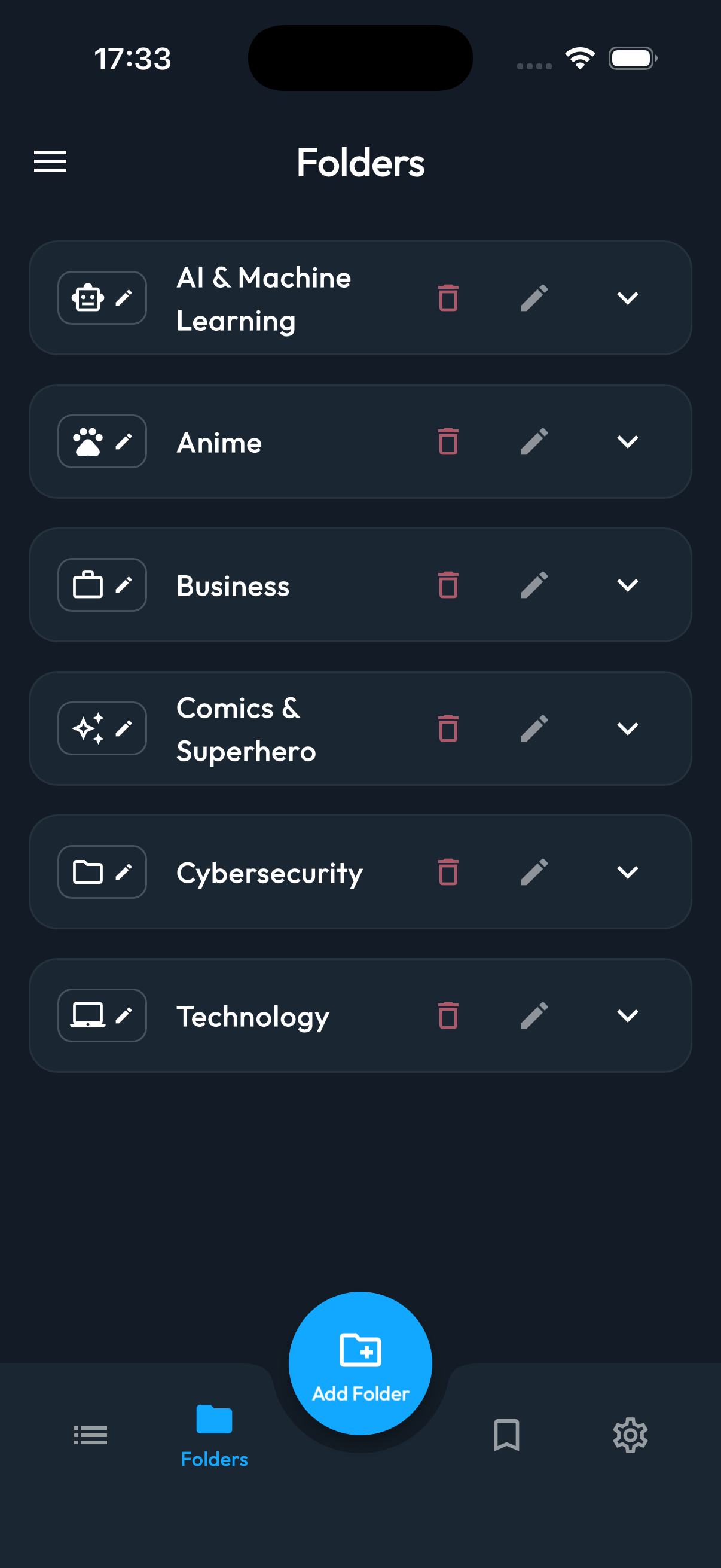
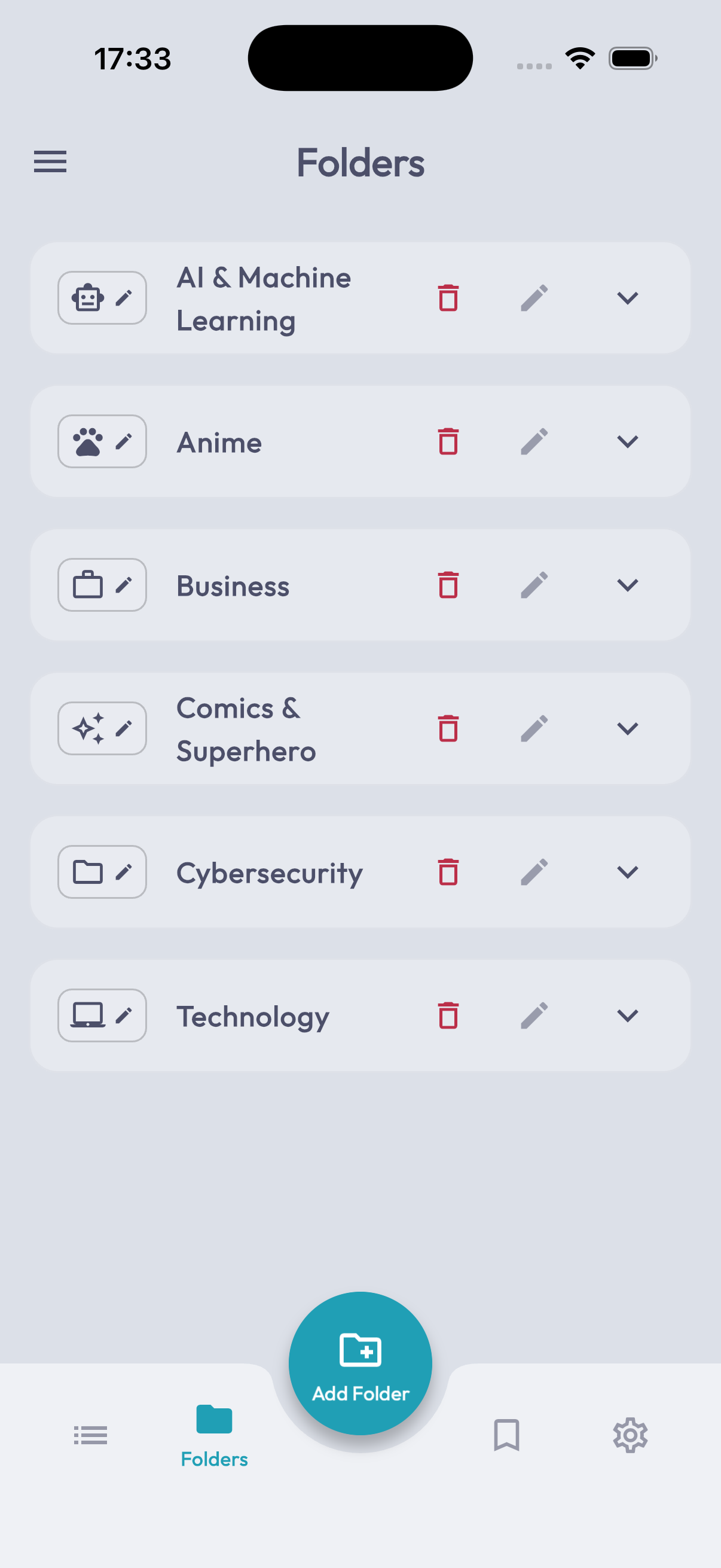
Folders & categories, with personality
Group your channels into folders with custom emoji icons. Per-feed keyword filters quietly hide the topics you've outgrown — no shouting, just silence.
FOLDERSEMOJIFILTERS
+
Nested groups
One level of folders, on purpose. Two levels was a UX trap. Drag & drop to re-order.
Keyword filter
Block any article whose title contains crypto, NFT, celebrity — your call. Per-feed or global.
Icons
Native emoji picker. Renders identically on every OS — finally.
CH·03
A reading room built for actual reading
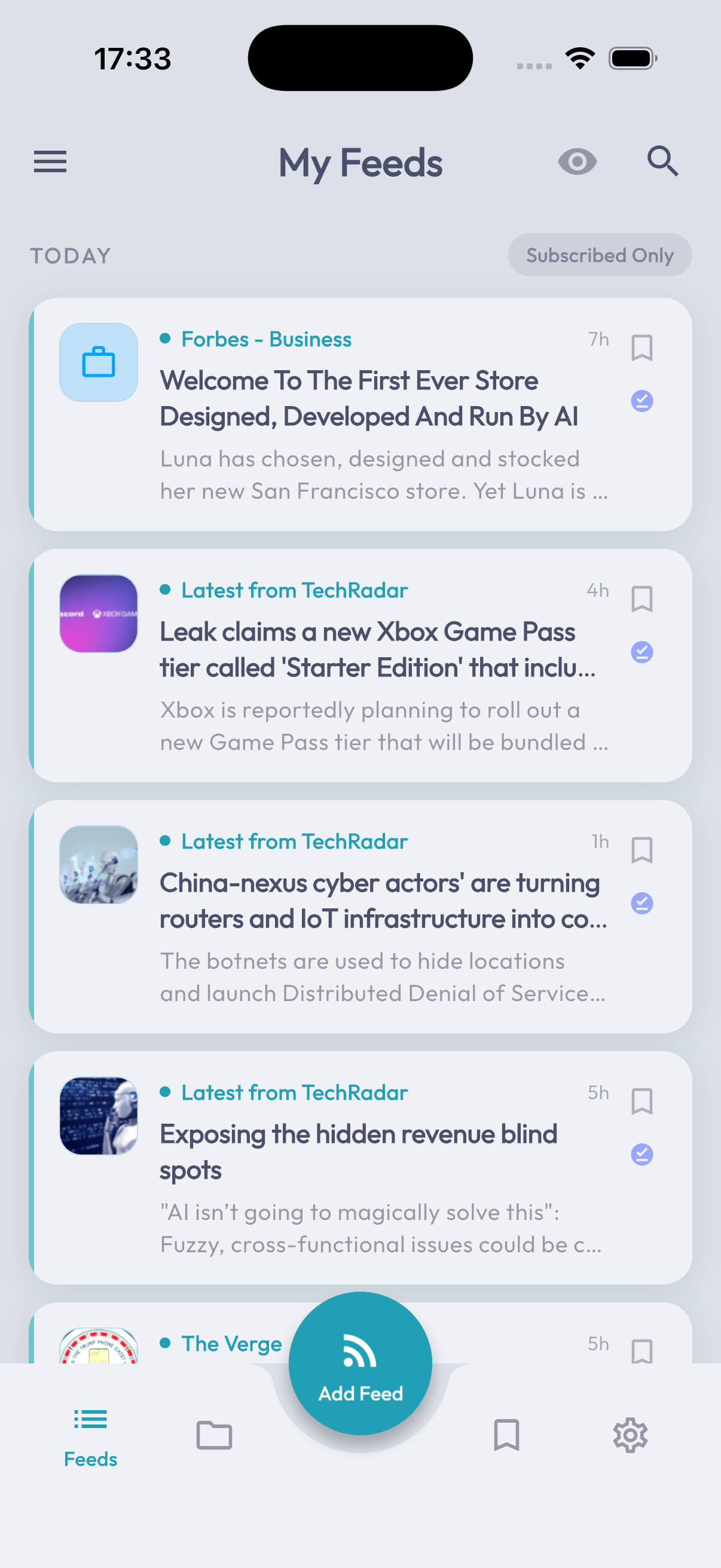
Full-screen article viewer with image carousels and PageView swipes between stories. Estimated reading time before you commit. Progress saved when you leave.
READERSWIPERESUME
+
Carousels
Multi-image posts get a horizontal swipe gallery, not a wall of stacked photos.
Resume
Close the app at paragraph 14, come back to paragraph 14 — scroll position is per-article and survives device restarts.
Reading time
Calculated from word count with a baseline of 238 wpm. Shown before you tap in.
CH·04
Full-text extraction, even from excerpt feeds
Sites that only publish teasers get unwrapped automatically. No more tapping out to a paywalled tab — the whole article opens inside the reader.
EXTRACTIONOFFLINE
+
Engine
Readability-style DOM extraction running on-device. No third-party server sees the URL you opened.
Fallback
Sites that block extraction silently fall back to the in-app browser. Configurable per feed.
Cache
Extracted bodies cached locally for fast re-reads & offline.
CH·05
Ten themes. FlexColorScheme powered.
Material, Blue, Indigo, Deep Purple, Sakura, Red, Teal, Green, Amber, and Outer Space — all powered by FlexColorScheme. Three brightness modes (System, Light, Dark) per scheme. Outfit typography throughout.
×10 THEMESMATERIAL 3
+
Live preview
Scroll down — tap a theme card. The site you're on right now re-skins to match the app.
System sync
System theme follows iOS / Android / macOS appearance and time-of-day automatically.
Brightness
Each of the 10 color schemes supports System, Light, and Dark modes — 30 total configurations.
CH·06
A browser inside the reader
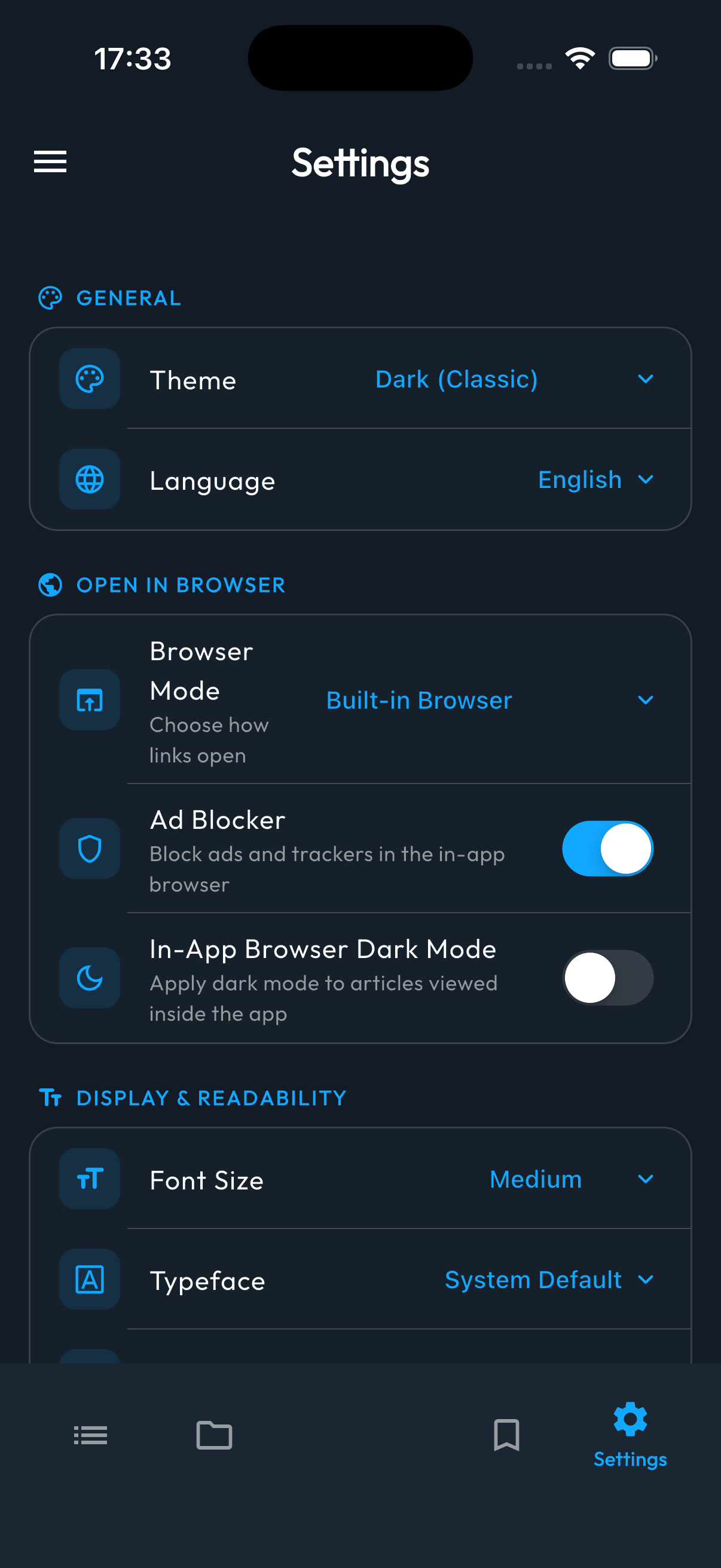
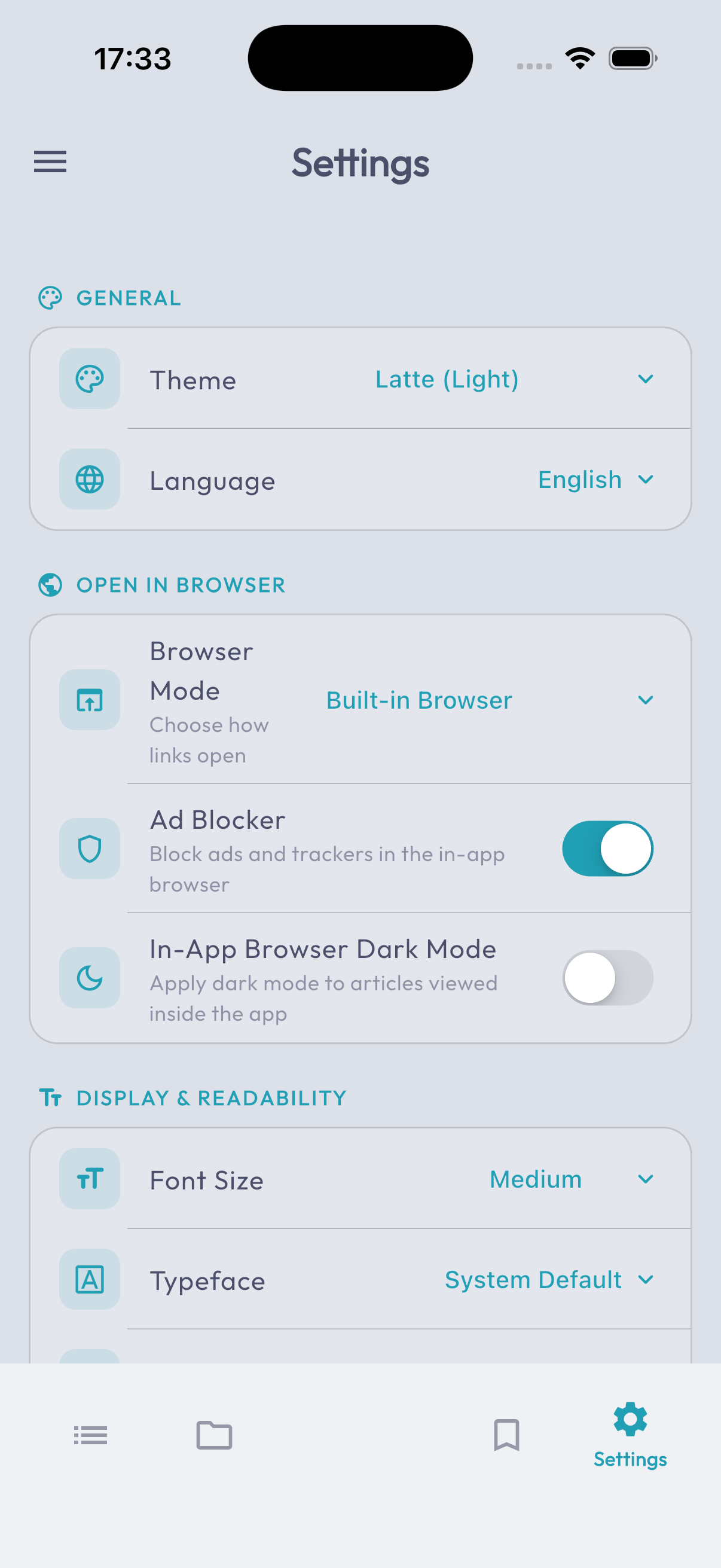
Tap a link, stay inside the app. Built-in WebView with EasyList + AdGuard ad blocking. Or kick it out to your system browser — your choice.
WEBVIEWAD-BLOCK
+
Filter lists
EasyList + AdGuard Base applied on every navigation. Toggle per-session.
Dark mode bridge
Force a dark stylesheet onto any article so you don't get flash-banged at 2am.
External
Built-in / external Chrome / Safari / system default — pick once, change anytime.
CH·07
Notifications that respect quiet hours
Get a buzz when something genuinely new lands. Digest mode batches the small stuff. A configurable quiet window means the reader sleeps when you do.
DIGESTQUIET
+
Digest
One bundled notification per N hours, instead of one buzz per article. Choose your N.
Quiet hours
Pick a window like 22:00 → 08:00. Notifications queue silently and deliver when you wake.
Tap to jump
Tap a notification and land directly on the article — no list traversal.
CH·08
Offline cache & background sync
Articles stay readable on the subway, on the plane, anywhere. Background refresh on your schedule. Image cache and skeleton shimmers that mirror the real layout.
OFFLINESYNCCACHE
+
Schedule
Choose 15m / 1h / 6h / manual. Background work respects OS battery rules.
Skeletons
Loading states mirror the exact card layout — no jarring layout shifts when the real data lands.
Pagination
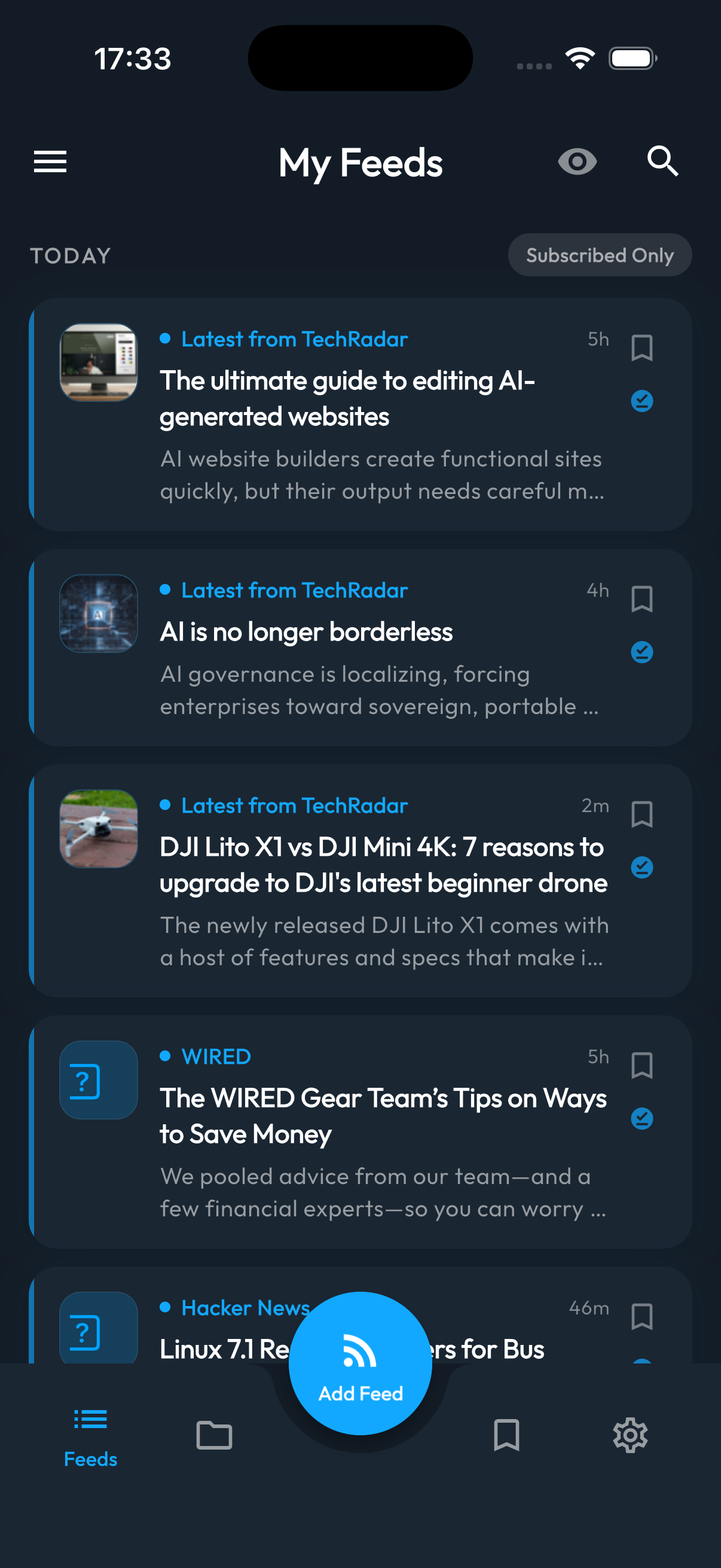
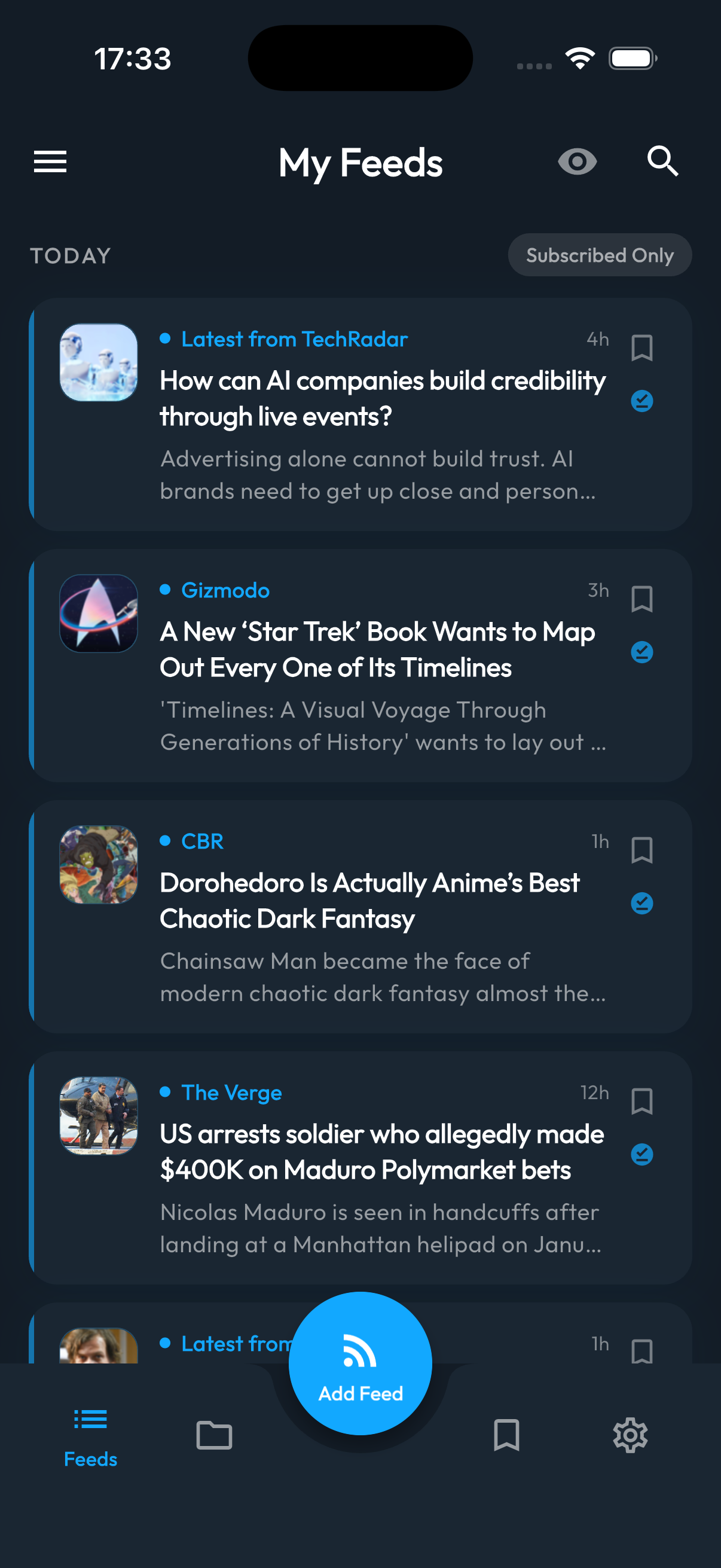
Date-bucketed: Today · Yesterday · Older. Load-more on demand.
CH·09
Swipe to bookmark, swipe to share
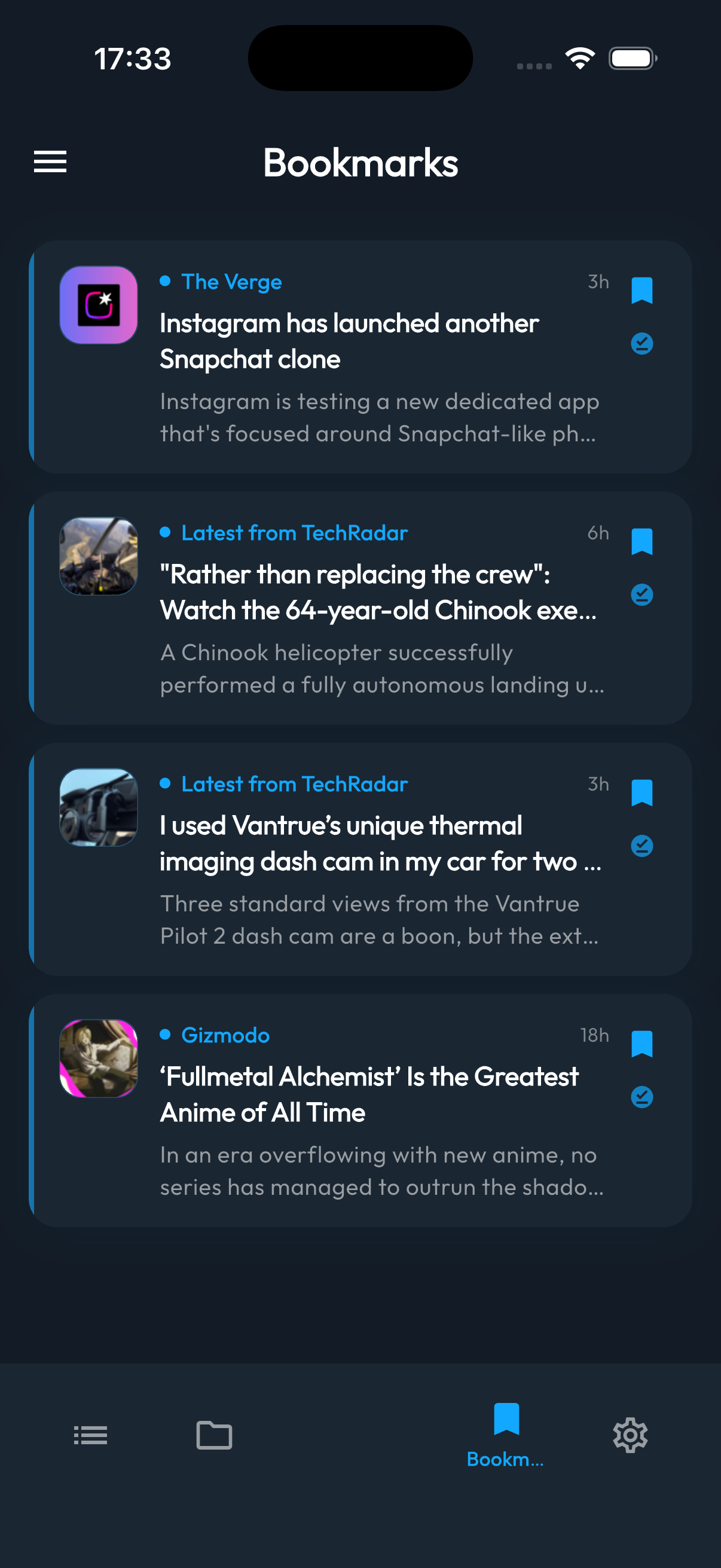
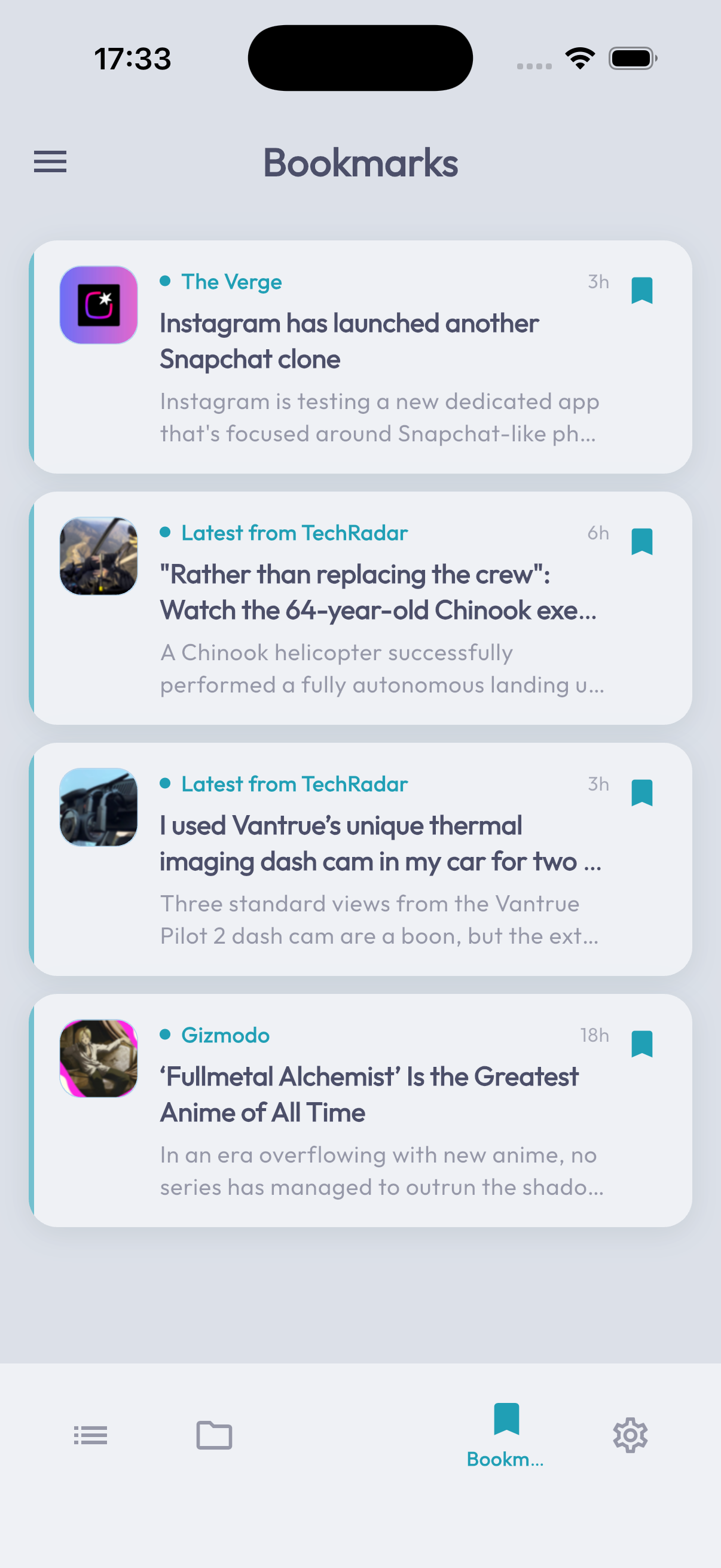
Left swipe saves an article for later. Right swipe toggles read state. Persistent search history brings back what you almost forgot.
GESTURESBOOKMARKS
+
Gestures
Left → bookmark. Right → read/unread toggle. Long-press → system share sheet.
Search
Title + body full-text. Recent queries remembered. Tap to re-run.
Bookmarks tab
A separate channel of its own, sortable by source or date.